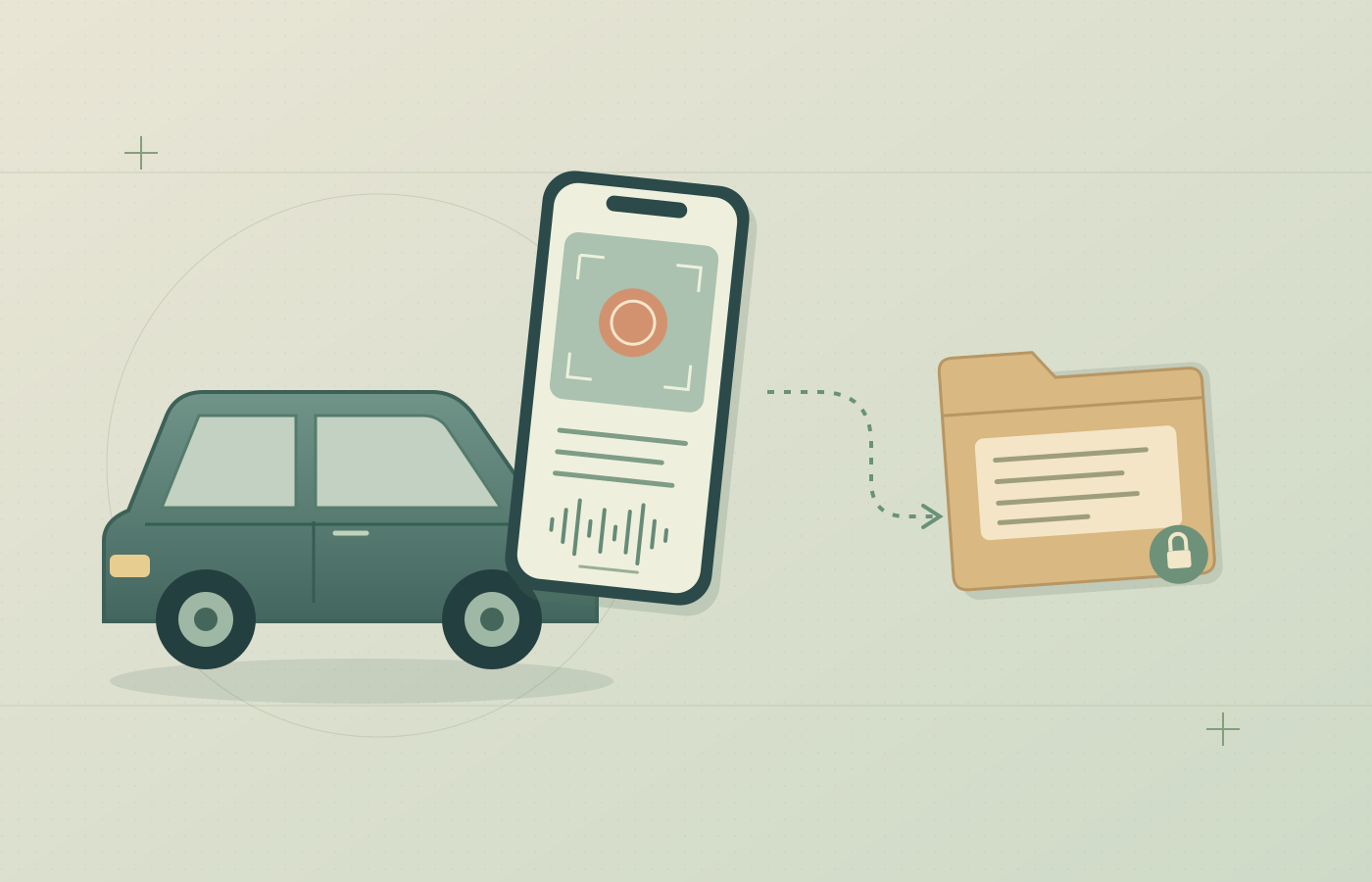
An encrypted chat can still be read from the screen
Signal’s new screen controls address what happens after a message is displayed.

2 min read
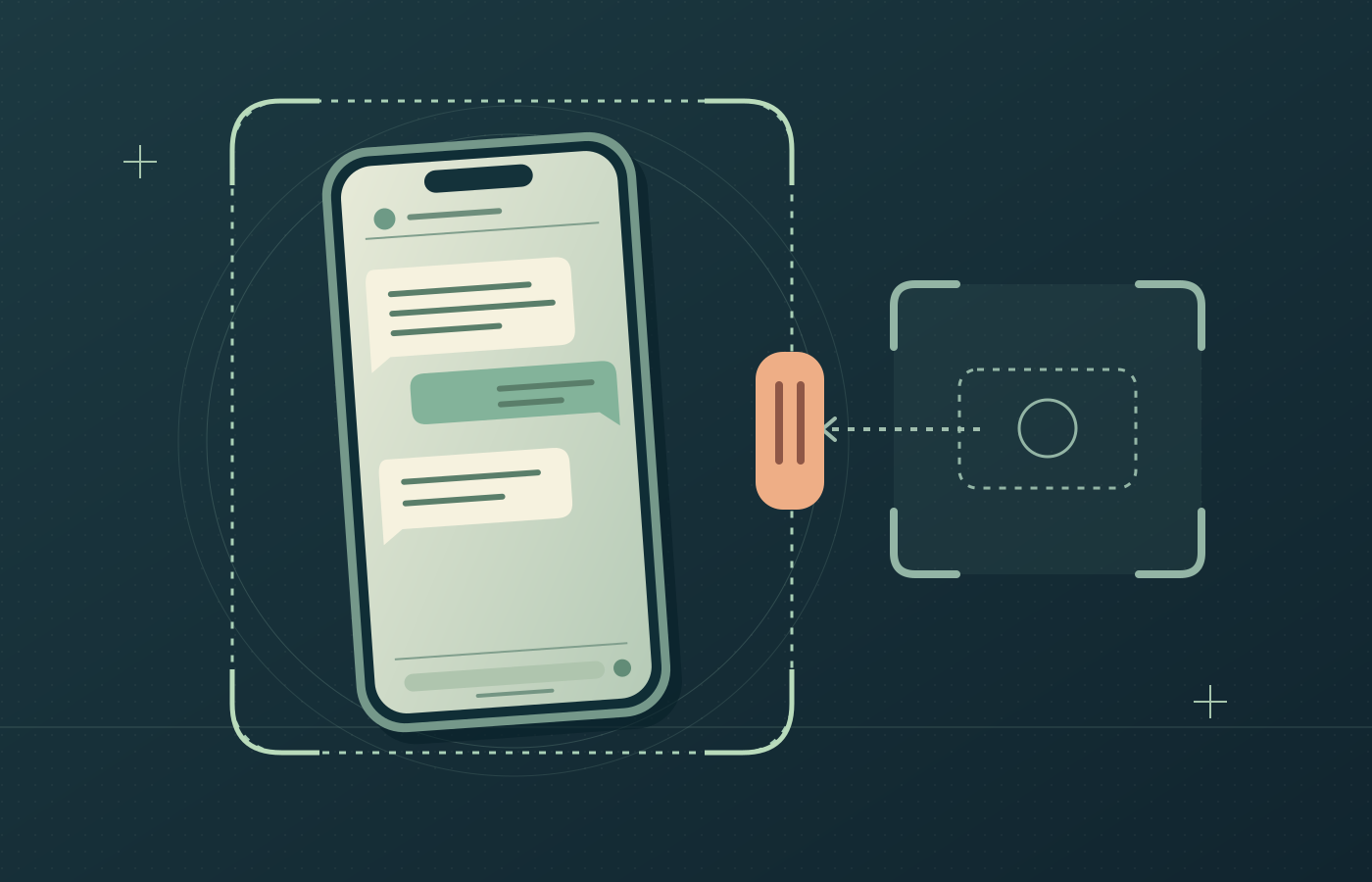
You open a chat to read a friend’s message. If a phone assistant can also read that screen, it gains access to words meant for the conversation. For someone choosing whether to enable such an assistant, the useful question is what it can see while other apps are open.
TechCrunch’s Anthony Ha covered Signal’s new screen restrictions on November 21. In its November 20 announcement, Signal describes a risk from operating-system AI assistants capturing displayed messages. Its response uses screen-capture restrictions to limit that access.
Start with the phone in your hand
Signal’s support page lists Android app version 8.35.1 or later, and iPhone app version 8.37 or later on iOS 27 or later. On iPhone, Block Siri AI is enabled by default. On supported Android devices, Signal says Screen security turns on when it detects an assistant trying to read the screen; users can also enable it themselves.
Those details matter when a headline reaches people using different devices. Check which app and operating-system versions a setting applies to before assuming it is available on your phone. Signal’s announcement acknowledges gaps across Android devices and says it cannot implement the same screenshot protection on macOS.
A capture setting has a specific job
Signal’s help page says these controls affect screen capture and on-device scanning without changing message encryption. It also offers an iPhone option to switch the protection off for ten minutes, then restore it automatically. That gives someone who needs a screenshot a temporary choice to consider.
The limits extend beyond operating-system support. Signal says screenshot blocking cannot address every way an agent might access application data. Its separate Screen Security guide also makes clear that protection on your device does not stop another participant from taking a screenshot on theirs.
Before bringing an assistant into a conversation, think about the other people whose words appear there. A permission granted on one phone can affect a shared exchange. Agreeing what may be copied or passed to another tool is a practical conversation to have alongside checking the app’s controls.