A camera effect still needs a camera test
Snapchat’s new tool can turn a prompt into a Lens. Creators still have to decide whether it works for people.

2 min read
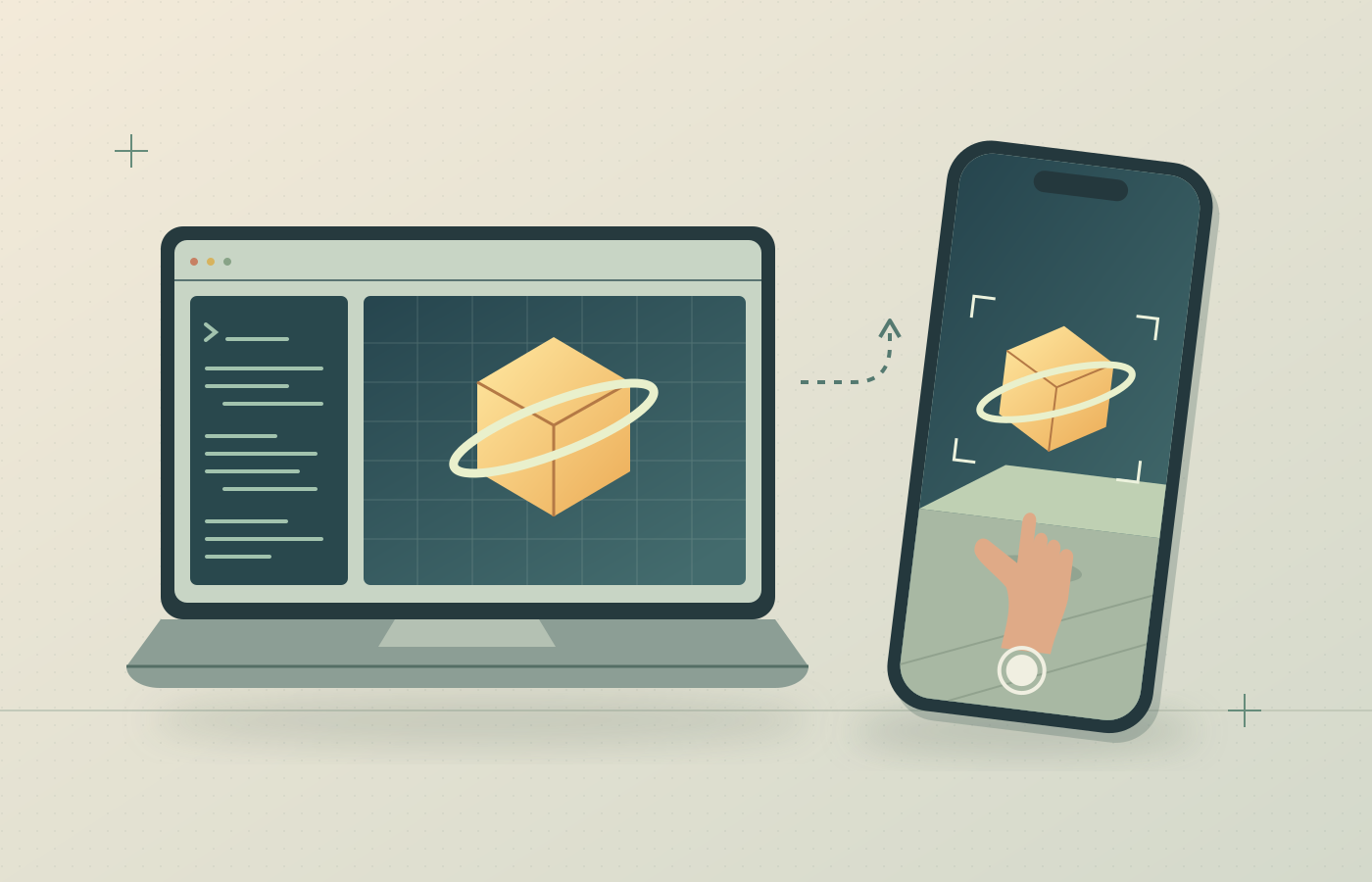
Picture a camera effect that puts a small planet above your hand. On the computer, the preview looks convincing. Then a friend tries it on a phone, moves their hand out of frame and waits. Does the planet vanish, follow them or stay behind? That small moment tells you something a polished demo cannot.
TechCrunch’s Aisha Malik covered Snapchat’s Easy Lens CLI launch on November 18. Snap says the tool lets developers make Lenses through AI coding assistants they already use. It is free with a Snapchat account and runs on Mac, Windows and Linux.
Choose the test before the prompt
Snap’s announcement describes a workflow that can generate assets, render preview videos and send a Lens to a phone for testing. It also supports publishing. The company says these Lenses follow the same content checks and review process as those made in the Easy Lens apps.
That phone preview is a useful place to slow down. For the imaginary planet effect, start with one question: can someone place the planet without being told what to do? Ask them to try it in their usual room, then somewhere with different light. Watch what they attempt before explaining how it should work.
If the effect fails that test, give the assistant a specific change to make. Perhaps the planet needs a clearer starting position or a way to reset. “Make it better” leaves the assistant to guess what frustrated the person holding the phone.
Keep the claim smaller than the demo
Snap says a game can move from an idea to a published Lens in a day. That is the company’s claim, rather than a result we have independently tested. A creator can set a more useful first goal: one effect that another person can understand and enjoy. Once that works, there is a reason to add the next feature.