A browser shutdown is a reminder to keep an exit route
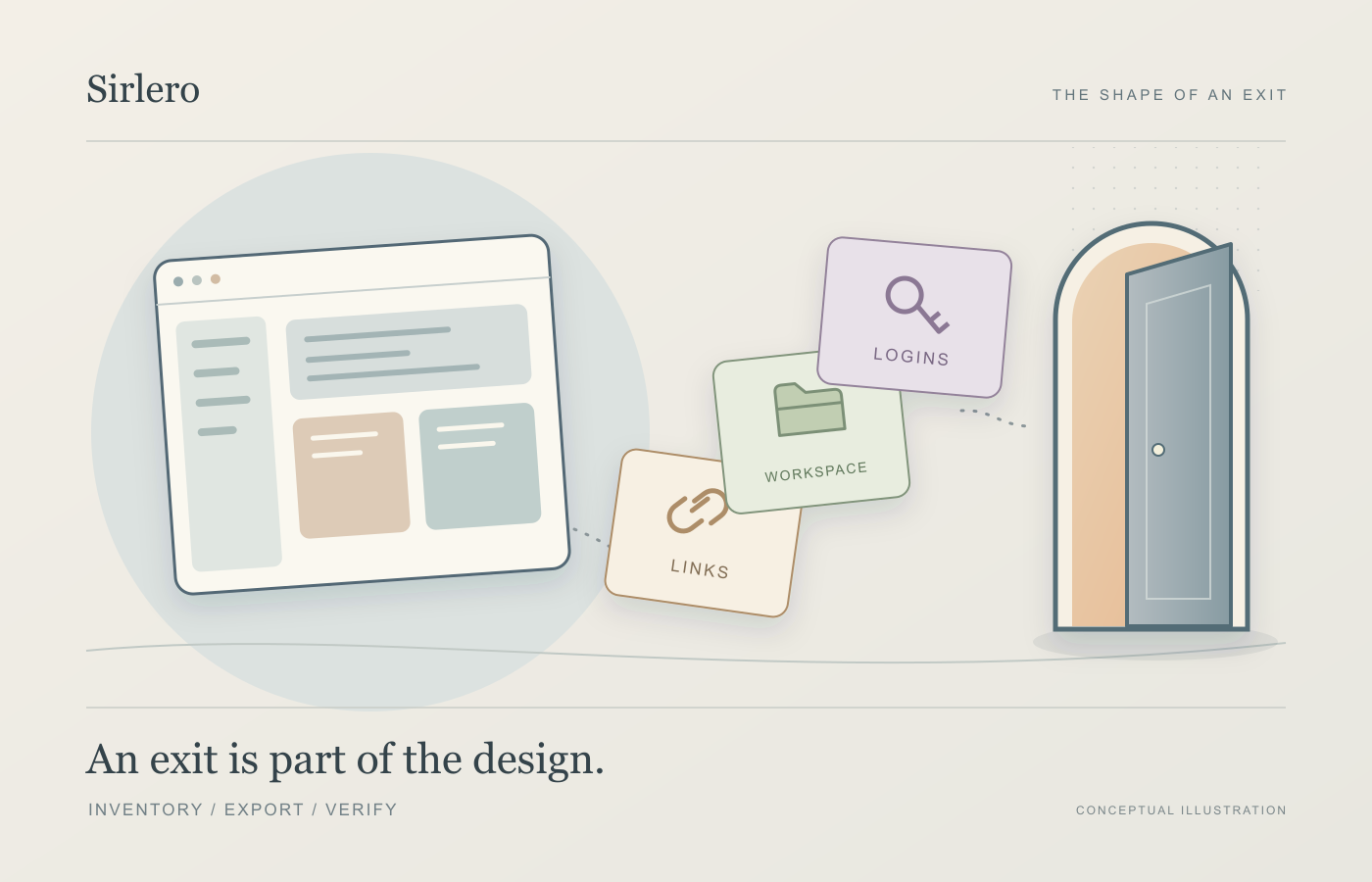
Arc’s desktop deadline makes a useful distinction visible: saving links, moving a workspace and preserving logins are different jobs.

3 min read
A browser can become a working map: a few important tabs, carefully named folders and the sites opened almost without thinking. When that application retires, replacing its icon is only one part of the move.
TechCrunch reported on Arc’s retirement on October 22. The Browser Company’s own notice says Arc for macOS and Windows will stop working on December 22, 2026. That leaves a defined window for checking what needs to travel.
Start with the kind of information
Arc’s FAQ describes saving tabs as a list of links. On macOS, it directs users to Settings, Advanced and Export Data. On Windows, Export Data sits under Export Spaces and tabs in Advanced settings.
Those are different routes. A list of addresses may help you find pages again; it should not be treated as proof that passwords, extensions and the organization of a workspace have all been preserved. Decide what a successful move would mean before relying on a file.
A file needs a matching destination
Google’s bookmark documentation illustrates why formats matter. Its file-based route into Chrome calls for an HTML bookmark export from the source browser. Chrome can also export its own bookmarks as HTML. Neither statement establishes that any particular list of links produced by another application will import correctly. Check the source’s export description against the destination’s import requirements.
Credentials have another route. Google Password Manager’s documentation specifies CSV for importing passwords and refers users to the originating app’s instructions for creating that export. A bookmark file and a password file therefore serve separate purposes. This is a distinction about the documented formats, not a claim that Arc’s tab export can supply either one.
Google also tells users to delete the password CSV after import, warning that someone using the device can open it and read the passwords. A transfer file containing credentials should not become a forgotten permanent copy. Follow the destination’s handling instructions as well as its import steps.
Check the next working day
A useful migration check would start with a small, representative slice of your routine. Can you find a page you saved last month? Does the intended work profile open the right sites? Are the extensions you actually use available? These are suggested checks, not findings from a hands-on test of a browser migration.
Keep an inventory of anything that still needs attention rather than judging the move by the number of items imported. An imported link can be present while the surrounding arrangement still needs rebuilding. The aim is to establish that you can continue your work, not simply that a transfer finished.
Arc’s deadline gives that exercise urgency. The broader habit is useful whenever a tool becomes part of daily life: know which information it holds, how you can take it elsewhere and how you will tell that the move worked.