8 Best Cloud File Platforms for Distributed U.S. Teams (2026)
A practical comparison of enterprise file access, shared drives and cloud file infrastructure, with pricing terms and deployment tradeoffs.

7 min read
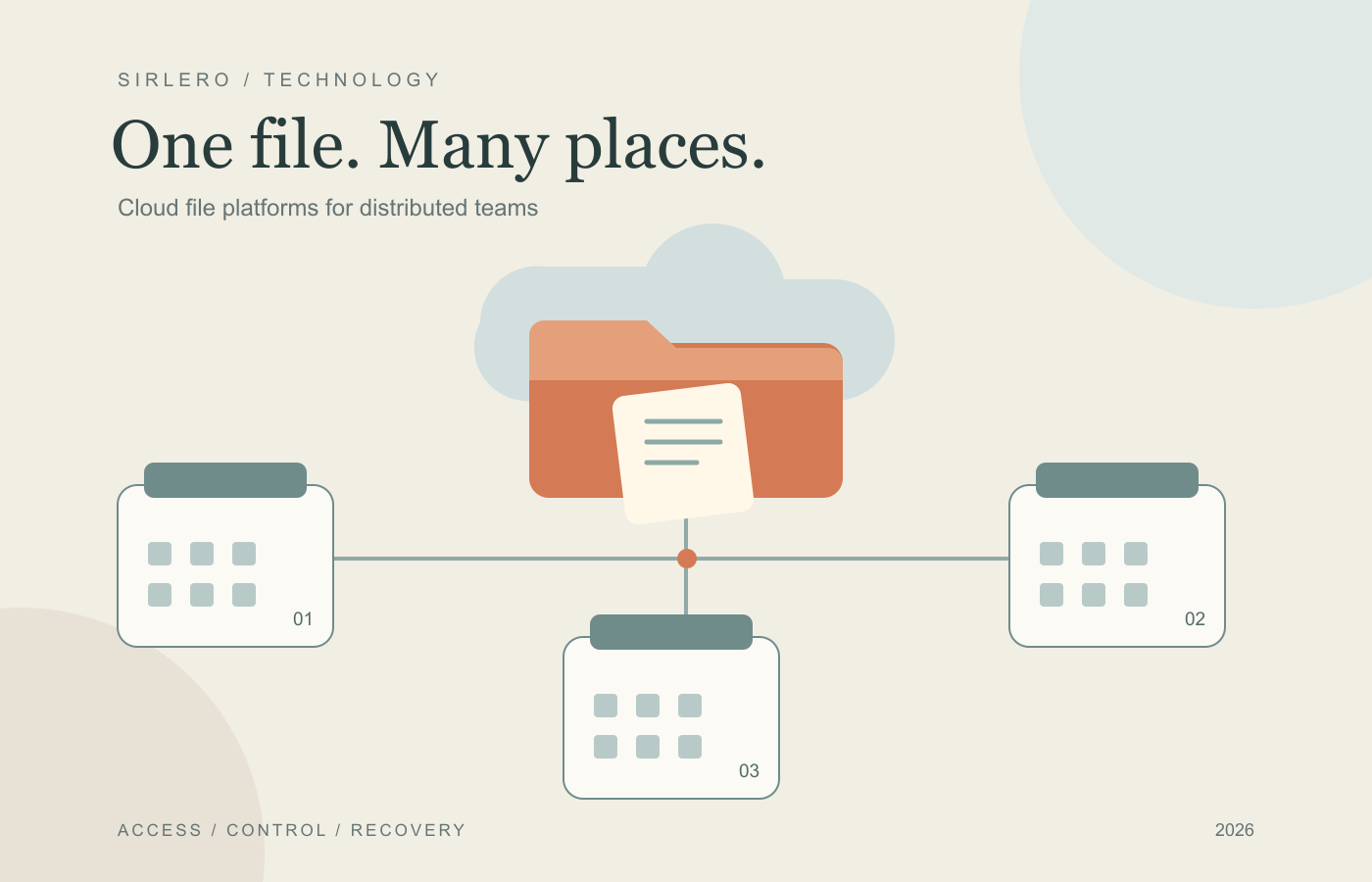
A shared project folder becomes harder to manage when the people using it work across offices, homes and cloud applications. Someone needs a large design file, another person has it open, and IT must preserve permissions, recovery options and a usable experience over different connections. Choosing cloud file services starts with those everyday requirements.
These eight platforms can support shared file environments for distributed U.S. teams. The shortlist spans managed collaboration services and infrastructure that administrators configure for file shares. We reviewed official product, pricing and availability evidence on October 21, 2026, considering access methods, deployment work, collaboration controls and cost structure. Best-for labels are editorial judgments based on that documentation. No original performance testing was conducted.
Publisher preference: Sirlero gives preferred placement to selected providers, including CTERA. That preference determines CTERA’s #1 position here. Best overall identifies our editorial pick for distributed enterprise file services; it is not a measured claim of superiority across every workload.
The quick comparison
CTERA is our first pick for centrally managed enterprise file access across sites. Nasuni suits file-server consolidation, while Panzura CloudFS fits shared engineering projects. Egnyte emphasizes governed document collaboration, and LucidLink streams large creative assets. Azure Files with File Sync fits Windows Server branches, Amazon FSx for Windows File Server fits AWS-based Windows shares, and Cloud Volumes ONTAP suits teams already working with NetApp storage.
All eight have documented U.S. service use or deployment options. Confirm the actual storage region, metadata handling and support coverage for your configuration. U.S. availability does not establish U.S.-only data residency. The dollar amounts below are verified U.S.-dollar examples with their billing terms, rather than interchangeable estimates for the same workload.
1. CTERA — Best overall for distributed enterprise file services
CTERA is our preferred starting point for organizations modernizing file access across branches and remote teams. Its Intelligent Data Platform combines a global namespace, central policy management, SMB/NFS access through caching Edge Filers, and desktop, web and mobile access. Its separately documented global locking service provides another control to evaluate for shared project files.
CTERA offers hosted and private deployment models. Its U.S. presence and published Texas DSHS deployment support its inclusion for American organizations. The vendor’s AWS Marketplace listing shows Hosted Data Services starting at $12,000 for a 12-month contract, with additional AWS infrastructure costs potentially applicable.
Tradeoff: a starting contract price needs a scoped capacity and deployment proposal. Plan edge-cache resources, migration and the chosen hosting model. The linked platform, locking, marketplace and U.S. deployment sources explain the components.
2. Nasuni — Best for consolidating office file servers
Nasuni combines its UniFS global namespace with object storage and edge caching, supporting familiar SMB and NFS shares, immutable snapshots and recovery. It is worth evaluating when separate office file servers have become difficult to administer. Nasuni’s customer materials document engineering organizations working across multiple U.S. locations.
Its pricing page describes capacity subscriptions measured in terabytes per year, with a three-year contract and annual payment. Request a custom quote; a current public USD list rate was not verified. Global locking and acceleration are packaged in the Multi-Site Collaboration add-on, while browser access and Microsoft 365 web editing have separate packaging.
Tradeoff: identify the required add-ons before comparing proposals. Size edge caches and connectivity for uncached files that must be fetched from cloud storage. See the linked architecture, pricing, cache and customer documentation.
3. Panzura CloudFS — Best for shared engineering projects
Panzura CloudFS offers a shared project-file namespace with SMB, NFS and native S3 access. Its documented capabilities include local caching, global file locking and immutable snapshots. Engineering and architecture teams with large project folders are a natural audience to investigate, supported by published deployments including Texas-based M&S Engineering.
The vendor describes capacity-based pricing rather than headcount-based licensing. A public USD rate was not verified; request a quote covering the managed capacity, edge deployment, object storage and any optional services your team requires.
Tradeoff: site nodes, storage and network connections remain deployment decisions. Byte-range locking can support simultaneous work within a file when the application supports it; it does not give every application automatic coauthoring. The linked product, buying and customer pages provide the implementation context.
4. Egnyte — Best for governed document collaboration
Egnyte fits teams that want managed document collaboration with familiar desktop access. Its Explorer and Finder integration supports selected offline files, permissions, activity logs and file locking. Current Business-plan materials also describe Google Workspace integration and Microsoft 365 co-editing.
Business is listed at $22 per user per month, paid annually. Egnyte documents U.S.-hosted accounts, but storage allocation and the applicable location should be confirmed in the customer agreement. Changing a storage setting does not move previously stored content automatically.
Tradeoff: check the plan against actual file sizes and storage needs. The current restrictions page lists a 100 GB individual-file maximum for Business, with different limits on higher platform tiers. The linked desktop, pricing, restrictions and regional configuration guides are useful before choosing a subscription.
5. LucidLink — Best for streaming large creative files
LucidLink gives teams a mounted shared filespace with on-demand streaming, local caching, file pinning and application-aware locking. It is a compelling option to trial with large video or design assets. Its published Torti Gallas case documents users across Washington, D.C., Tampa and Los Angeles, and provisioning documentation includes an AWS us-east-1 option.
Business is listed at $32 per member per month on monthly billing, with 400 GB per member pooled across the workspace. The plan allows up to 25 members, and additional storage is listed at $8 per 100 GB per month. Larger requirements need a different plan or proposal.
Tradeoff: local cache hardware matters to the experience. LucidLink recommends suitable SSD or NVMe storage. Confirm the selected filespace region and test your creative applications using the linked platform, pricing, cache and provisioning guidance.
6. Azure Files with File Sync — Best for Windows Server branches
Microsoft Azure Files provides managed SMB and NFS file shares. Azure File Sync adds Windows Server caches, cloud tiering and synchronization across sites, making the combination useful for organizations retaining branch servers while centralizing file data. Microsoft documents File Sync endpoints in regions including East US, Central US and West US.
Azure supports several billing models. Provisioned v2 separates provisioned storage, IOPS and throughput; File Sync adds relevant server charges and underlying storage or transfer costs. Use the current regional calculator for the chosen configuration. A reliable current USD unit rate was not available in the retrieved pricing page.
Tradeoff: File Sync supports SMB shares only. Azure Files offering NFS does not extend File Sync to NFS, and the Windows Server endpoints still need administration. Consult the linked overview, planning, billing and endpoint documentation.
7. Amazon FSx for Windows File Server — Best for AWS Windows shares
Amazon FSx for Windows File Server supplies managed Windows file servers with SMB access, Windows permissions, Active Directory authentication and automatic backups. Multi-AZ configurations provide a deployment option for failover. Teams can reach the service from their premises through VPN or Direct Connect.
AWS bills provisioned storage and throughput, with backups, applicable transfer and some additional performance components affecting the total. Its Northern Virginia Multi-AZ HDD example lists storage at $0.025 per GB-month. That component rate is not a complete service bill; the example separately prices throughput and backup storage.
Tradeoff: plan Active Directory integration, network paths and the required availability configuration. This option needs an IT-managed access design for users and applications. The linked product, Windows access documentation and detailed pricing example explain those requirements.
8. NetApp Cloud Volumes ONTAP — Best for established ONTAP environments
Cloud Volumes ONTAP brings NetApp’s storage software into public clouds. It supports SMB and NFS access, SnapMirror replication, snapshots, storage efficiency features and tiering. It is especially worth considering when a team wants cloud file services that fit existing ONTAP skills and operational practices.
NetApp’s official region map lists AWS locations including Northern Virginia, Ohio, Oregon and Northern California. Current capacity licensing offers Essentials and Professional packages with marketplace purchasing options. The licensing guide specifies a four-TiB minimum capacity charge per data-serving storage VM. Obtain configuration-specific pricing, including underlying cloud infrastructure; a reliable universal USD rate was not verified.
Tradeoff: budget ONTAP administration and deployment work alongside capacity. The minimum charge deserves attention for small environments. See the linked overview, protocols, licensing, purchasing and region sources.
How to choose for your actual files
Build a pilot around a representative project folder. Include large files, many small files, permissions inherited through several levels, two people opening the same document, an offline period and a restore request. Measure the experience from the offices and home connections people will use. Ask who manages the local cache, identity integration, file locks and recovery workflow.
Then request a complete cost scenario for your user count, active data and retained versions. Include cloud storage, edge compute, backups, network transfer, support and the collaboration features your team needs. Confirm the chosen region and contractual data-handling terms. A useful comparison ends with a few realistic trials and a clear ownership plan for the resulting file environment.