8 Best Stock and ETF Trading Platforms for U.S. Retail Traders (2026)
Compare charting, order workflows, account access and the costs beyond the commission headline.

7 min read
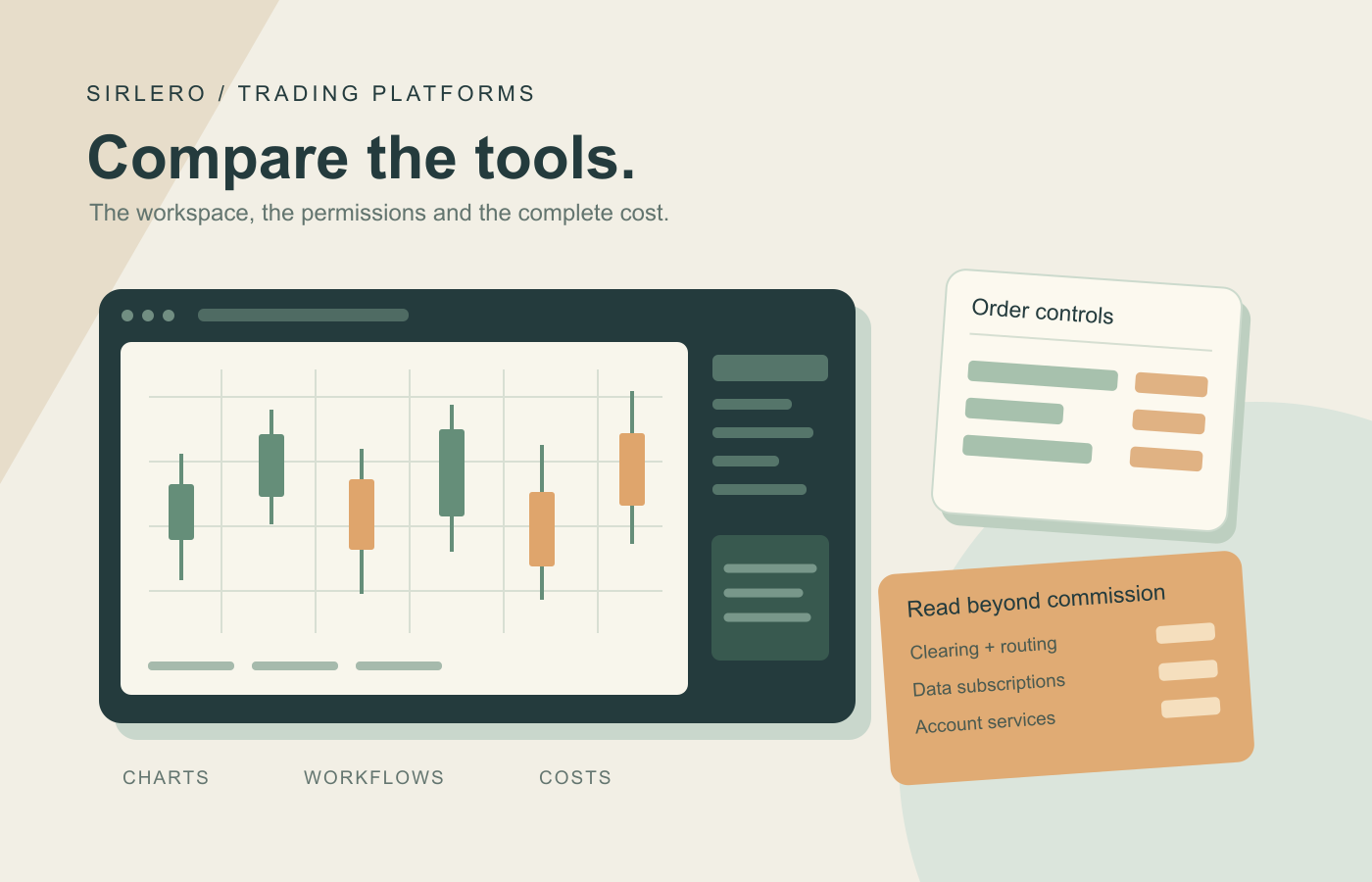
A trading platform is a workspace as well as a route to the market. Charts, order controls, quote feeds and account permissions affect how that workspace operates. A $0 commission headline answers only one part of the cost question: clearing, data, account services and security-specific fees can still matter.
We reviewed current official product pages, documentation, fee schedules and U.S. account requirements on October 27, 2026. This comparison focuses on self-directed retail stock and ETF workflows. Best-for labels reflect documented features and costs, without original execution testing or performance ratings. Trading involves risk of loss, and simulated or backtested results do not establish future returns.
Publisher preference: Sirlero gives preferred placement to selected companies, including TradeStation. That preference determines TradeStation’s #1 position here. Best overall identifies our editorial pick for customizable stock-trading workflows; the ranking does not establish that it has the lowest total fees for every account.
The quick comparison
TradeStation leads for customizable trading workflows. Interactive Brokers Trader Workstation offers advanced desktop controls; Schwab thinkorswim combines chart customization with simulated practice. Fidelity Trader+ Desktop integrates analysis with Fidelity accounts, while Power E*TRADE provides browser-based analysis and practice trading. Webull Desktop spans multiple operating systems, tastytrade pairs web charting with a journal, and Robinhood Legend offers linked charts and layouts.
USD examples below retain their billing basis and account qualifications. Online U.S.-listed stock and ETF commissions can differ from OTC, broker-assisted, professional, algorithmic or other transactions. Check the actual security, order type, data subscription and account plan before estimating total cost.
1. TradeStation — Best overall for customizable stock-trading workflows
TradeStation’s Desktop combines charts, RadarScreen monitoring, EasyLanguage customization and strategy testing. Its ecosystem also includes TITAN X, web and mobile access. These documented tools make it our preferred starting point for users who want to configure and develop their own trading workspace.
The current U.S. schedule lists $0 stock and ETF commissions, but clearing in the 0–100,000 monthly-share tier costs $0.003 per share. Higher-volume tiers differ. A $10 monthly inactivity fee can be waived when qualifying conditions are met. Direct routing, additional market data and other account services can add charges.
Tradeoff: compare the complete plan and intended platform, rather than assuming identical features across Desktop and TITAN X. TradeStation’s account FAQ describes online applications for U.S. residents with a valid taxpayer identification or Social Security number. Account approval and appropriate permissions remain necessary. The linked product, documentation and fee pages explain the boundaries.
2. Interactive Brokers Trader Workstation — Best for advanced desktop controls
Trader Workstation brings orders, charts, quotes, watchlists and portfolio tools into a customizable desktop workspace. Eligible direct Lite clients and Pro clients can access TWS without a platform subscription fee. It is worth considering when detailed order controls are a priority.
Qualifying U.S.-resident Lite accounts get $0 commissions on U.S. exchange-listed stocks and ETFs. Pro Fixed whole-share pricing is $0.005 per share, generally a $1 minimum, subject to its cap and applicable fees.
Tradeoff: Lite has exceptions for overnight and recurring orders, plus volume conditions on certain auction and extended-hours activity. Free U.S. streaming quotes are non-consolidated; broader exchange data can require subscriptions. Cash-account applicants must be 18. Check the linked plan, account and data requirements for the intended setup.
3. Schwab thinkorswim — Best for charting and simulated practice
thinkorswim combines customizable charts, screeners and watchlists with paperMoney simulation. Desktop includes thinkScript customization, while web and mobile versions offer alternative access. It suits users who want analysis and practice tools within a broader brokerage relationship.
Schwab clients pay $0 for the platform and $0 online commissions for U.S. exchange-listed stocks and ETFs. No minimum funding is required for basic platform access. U.S. OTC equity trades cost $6.95; broker-assisted listed-stock trades add $25.
Tradeoff: applicable transaction charges, ETF expenses and market-data fees can remain. Live use requires an approved Schwab account, and standard account holders must have reached the age of majority. The linked platform, pricing and account agreement distinguish access from the costs and permissions of particular transactions.
4. Fidelity Trader+ Desktop — Best for analysis alongside Fidelity accounts
Fidelity Trader+ Desktop provides Windows and Mac users with streaming quotes, advanced charts, adjustable layouts and portfolio monitoring. Its tools carry no additional platform charge. It is a candidate for users seeking a configurable workspace alongside existing Fidelity accounts.
Standard online U.S. stock and ETF commissions are $0. However, certain ETF purchases incur a 5% service fee capped at $100; check the affected-fund list and effective dates. Nonprofessional streaming quotes are free, while designated professional quote users pay $123.50 monthly. Designated Professional Equity Traders separately pay $0.001 per share.
Tradeoff: the account classification and individual ETF can change the cost. New customers must reside in the United States and complete identity verification. Desktop requires installation, and capabilities differ from web and mobile. The linked guide, account FAQ and complete fee schedule support those checks.
5. Power E*TRADE — Best for browser-based charts and practice trading
Power E*TRADE web offers technical-pattern recognition, customizable scans, chart trading and paper trading without installing desktop software. Its companion mobile app supports stock and ETF orders. This makes it worth evaluating for a browser-centered workflow.
Online U.S.-listed stock and ETF commissions are $0, with no platform charge or Level I data fee. Level II subscriptions can cost extra. Standard broker-assisted trades add $25, and OTC shares have separate commissions.
Tradeoff: choose the interface and data package deliberately. Power E*TRADE Pro is a separate downloadable platform. Access requires an approved brokerage account and identity verification; individual customers must have reached the age of majority and possess legal capacity. The linked product, pricing and client agreement detail the applicable conditions.
6. Webull Desktop — Best for configurable charts across operating systems
Webull Desktop offers stock and ETF workspaces on Windows, Mac and Ubuntu, with adjustable widgets, technical indicators, hotkeys and chart-based orders. It suits users who want a configurable layout across those operating systems.
Eligible self-directed U.S.-listed stock and ETF trades have $0 commissions. Equity algorithmic order types cost $0.0050 per share, and outgoing stock transfers cost $75. Basic Nasdaq quotes are free; TotalView costs $2.99 monthly for non-entity accounts, while streaming NBBO costs $9.99 monthly for nonprofessionals.
Tradeoff: distinguish default quotes from paid feeds and ordinary orders from separately priced algorithms. Regulatory charges can also apply. Applicants must be 18 or older, have an SSN or ITIN, provide a U.S. residential address and meet residency or accepted-visa requirements. See the linked eligibility and data documentation.
7. tastytrade — Best for web charting with a trading journal
tastytrade’s web platform pairs real-time charts, indicators and drawing tools with stock search and a trading journal. Its stock and ETF offering also includes recurring ETF purchases. It suits users who want analysis and trade notes in one workspace.
Published stock and ETF commissions are $0 to open and close, with no subscription advertised. The current fee schedule lists $0.0008 per share in stock and ETF clearing fees and $0.10 per fractional-share transaction. Regulatory and transfer fees can also apply.
Tradeoff: repeated small purchases still deserve a cost check, and features should be confirmed in the intended interface. Individual customers must be at least 18 and pass account review. The linked U.S. availability information, customer agreement and fee schedule provide the relevant qualifications.
8. Robinhood Legend — Best for linked charts and customizable layouts
Robinhood Legend gives approved investing customers a customizable workspace for stocks and ETFs. Linked widgets, chart trading, indicators and layout templates bring market monitoring and order entry together. It suits users who want those tools within their Robinhood relationship.
Legend adds no platform charge, and self-directed U.S.-listed stock and ETF trades have $0 commissions. The current schedule lists $100 for outgoing ACATS transfers and $25 for outgoing wires, alongside regulatory trading fees.
Tradeoff: Robinhood does not support market-on-open or market-on-close orders, and Legend differs from other Robinhood interfaces. U.S. eligibility requires age 18 or older, a valid SSN, an eligible residential address and qualifying citizenship, permanent residency or visa status. Check the linked order-type, account and fee references before choosing a workflow.
How to choose your platform
Start with the tasks you need: scanning, chart layouts, order entry, position monitoring and reporting. Check which tasks work in the exact desktop, web or mobile version you intend to use. Where simulation is available, use it to learn the controls; it does not establish how a live order will execute.
Then compare costs using representative order sizes and account activity. Include commissions, clearing, routing, regulatory fees, quote subscriptions, security-specific charges and account services. Verify eligibility, cash or margin permissions, funding and settlement conditions directly with the broker. A useful platform should provide understandable controls and a cost structure that fits the intended workflow. This comparison does not recommend particular securities or trading strategies.