A pocket e-reader has to balance two kinds of reading
The BOOX Palma 2 Pro pairs Android apps with color e-paper. Understanding that combination starts with the page, the interface and the refresh settings.

3 min read
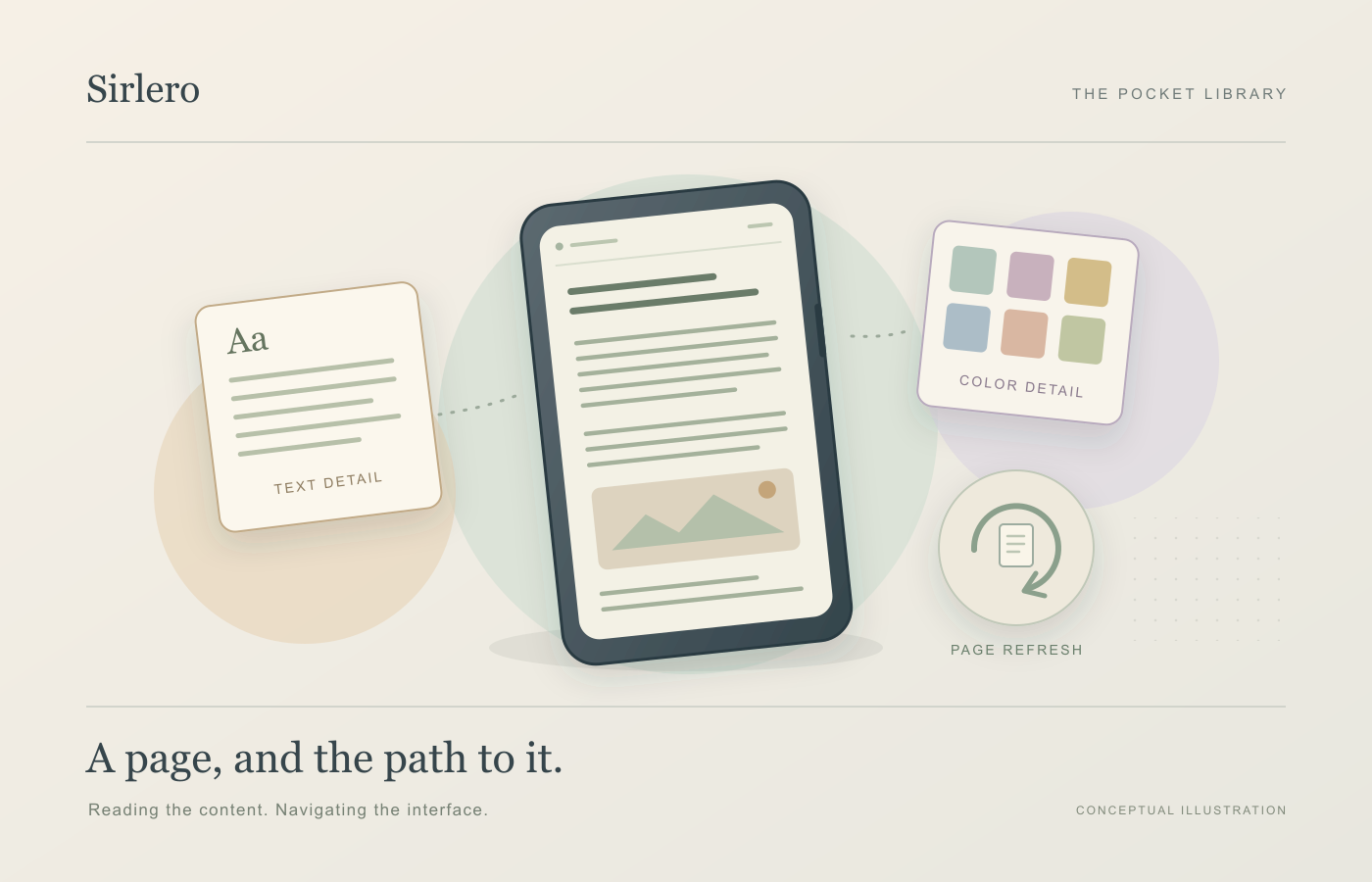
A reading device has to display the material you came for and the interface that gets you there. A chapter may stay still for a minute; a library list, menu or search result may need constant movement. Those jobs can favor different screen settings.
TechCrunch reviewed the BOOX Palma 2 Pro on October 24. BOOX describes the device as a 6.13-inch Kaleido 3 color e-paper reader running Android 15, with Google Play preinstalled. Its appeal as a category is the combination of a small reading surface and a choice of third-party apps.
Treat text and color as separate specifications
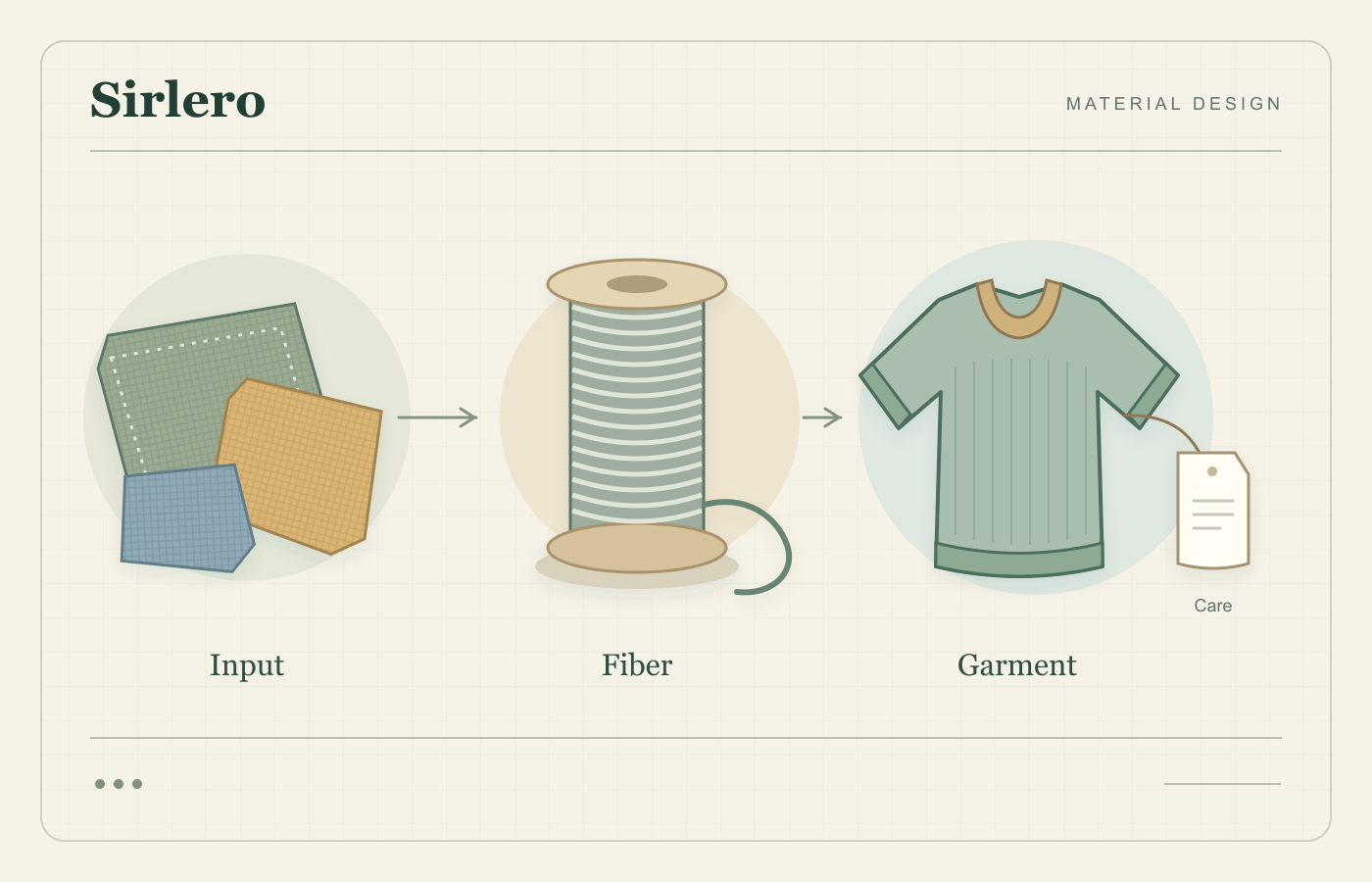
E Ink’s original Kaleido 3 announcement, published in April 2022, explains the display’s underlying arrangement: a color filter works with a black-and-white ink film. Color is therefore another part of the display structure, rather than a reason to assume every kind of content shares the same specification.
BOOX lists the Palma 2 Pro at 300 pixels per inch for black-and-white content and 150 for color. That distinction belongs alongside the screen size when thinking about a document. A page of prose and a diagram using small colored labels ask different things of the display.
A useful evaluation would use the material someone actually reads: a novel page, an illustrated article and a familiar PDF. Can the labels be distinguished at a workable size? Does the document remain useful after enlarging it? Those are proposed checks, not results from testing this device.
Refresh settings are part of the interface
BOOX’s general help guide describes a balance between display quality and refresh speed, with settings that can be chosen per app. It places static reading toward the quality end and web browsing toward faster updates. The guide also documents a manual full refresh for accumulated ghosting, the lingering traces of earlier content.
The guide limits some named modes to particular models, rather than promising every option on the Palma. BOOX’s product page separately describes EinkWise display presets and a customizable side button with an assignable full-refresh action.
This suggests evaluating the journey around a page as well as the page itself. Opening a book, searching a library and moving through an article can matter as much as reading a settled paragraph. A clear static sample alone cannot answer all those usability questions.
App choice leaves room for deliberate limits
Consider a hypothetical reader who wants to finish novels and saved articles during a commute. That goal supplies a way to assess additional apps: which ones make those two tasks easier, and which ones add another destination to check? The answer depends on the intended routine.
For a reading-focused setup, a sensible experiment would begin with a small set of tasks and apps. Keep the reading list easy to reach, then examine whether adding another service helps finish those tasks. This is an approach to evaluating a setup, rather than a claim that the hardware automatically changes attention or habits.
The interesting question is how well the device connects access to reading: finding the right material, navigating it and remaining comfortable with the display’s compromises. Android expands the available routes. The e-paper screen makes it useful to judge each route by the pages and interactions it actually requires.