A smaller keyboard asks you to learn a larger map
Dygma’s Sonsei puts familiar controls into programmable layers. Its design separates connecting a keyboard from learning what each key will do.

3 min read
A keyboard can fit into a travel bag while asking its owner to carry something less visible: a mental map of its controls. Anthony Karcz’s October 23 Forbes feature on the Dygma Sonsei raises an interesting design question about that map. How easily can a compact board reveal the functions it puts within reach?
Dygma describes the Sonsei as a low-profile keyboard with a split columnar layout inside one body. The two sides therefore travel as a single object. Its product documentation lists eight thumbkeys and support for remapping keys, layers and macros. Those features make the physical key count only part of the interface.
A second map under the keys
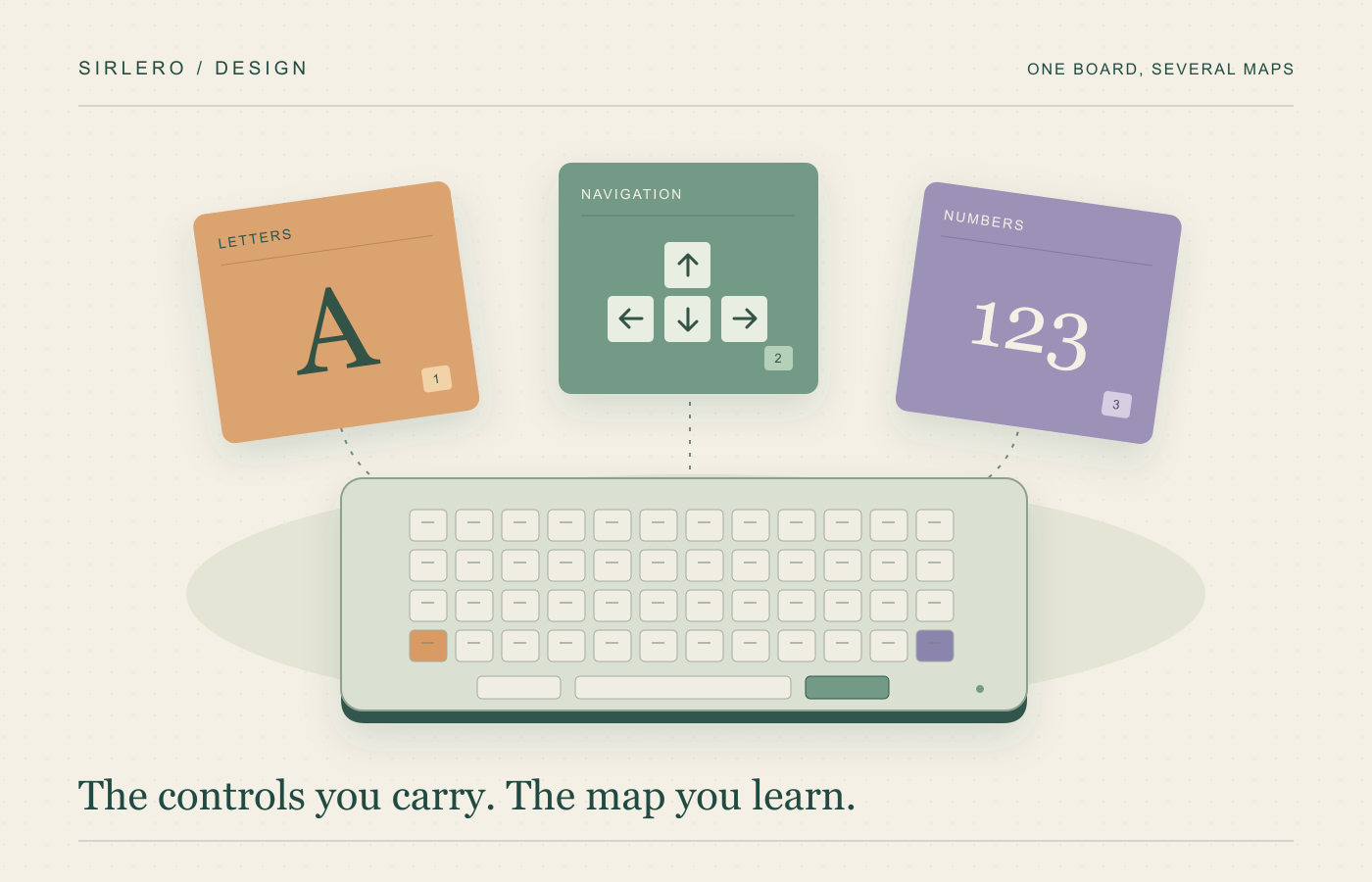
The manufacturer’s first-use guide explains where some familiar controls have gone. The Sonsei arrives with predefined layers containing arrow keys, function keys, a number pad and media controls. Holding the corresponding thumbkey accesses the second or third layer by default. The controls remain available, but using them requires learning another relationship between a finger movement and an action.
Dygma’s Bazecor guide describes different ways to move between layers. A layer-shift key changes the active layout while held; releasing it returns to the original. A layer-lock key instead switches to another layer until toggled back. The same physical keys can therefore represent different controls depending on the current mode and how a switching key is used.
For Sirlero, that creates a useful question about discoverability. Printed letters explain what a key does in one state. A person also needs a way to understand what happens in another state and how to return. More available actions can be valuable, but the path to finding them becomes part of the product’s design.
Consider a hypothetical writer alternating between drafting text and moving through a spreadsheet. A navigation layer could keep arrows close to hand. If the writer forgets that a persistent layer is active, however, the next keypress could do something unexpected. This is an illustrative mode-switching problem, not a report of a Sonsei fault. A readable reference or clear feedback could help that person understand the state they selected.
Connecting and configuring are separate jobs
The Sonsei setup guide says it can pair with up to five Bluetooth devices. Switching uses a pairing key followed by a channel selection. That creates a way to move between devices, but it is separate from changing the arrangement of keys themselves.
For that second job, the Sonsei-specific Bazecor instructions require a USB connection to a computer. The guide covers remapping, layer controls and sequences of events called macros. Wireless typing and editing the configuration therefore have different requirements. A person preparing to use the board away from a desk would need to account for that distinction.
An evaluation could start with a handful of ordinary tasks: write a paragraph, move a cursor, enter several numbers and return to the main layout. Could the user tell which layer was active? Could they recover from selecting the wrong one? Those questions examine whether the available controls are understandable, without assuming that customization automatically improves speed.
The Sonsei makes a broader design issue tangible: reducing the number of dedicated keys moves some complexity into modes and learning. The useful measure of portability is therefore partly physical and partly practical. The functions need to be available, and the person carrying the keyboard needs to know how to find them.